Free
$0$0
- 3 images a day
- Download up to 1000 px
- Transparent, white or color background
- No watermark, no sign-up
Canva is a design editor. If you only want a cut-out, a single-purpose page can be quicker.
Your photo stays on your device: the AI runs in your browser, nothing is uploaded.




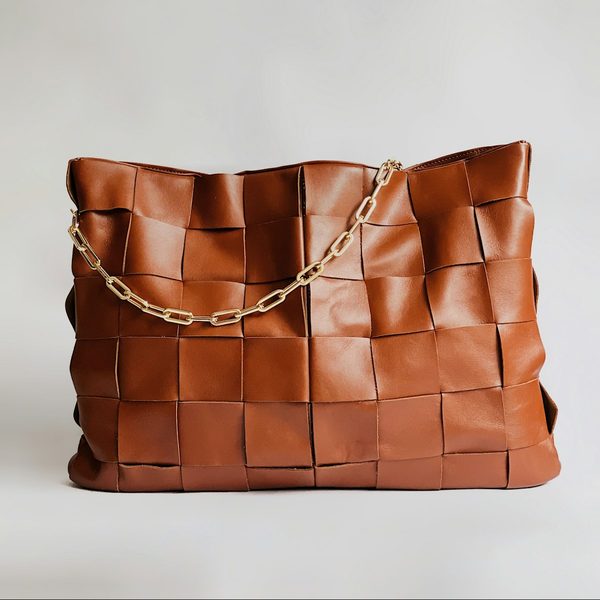
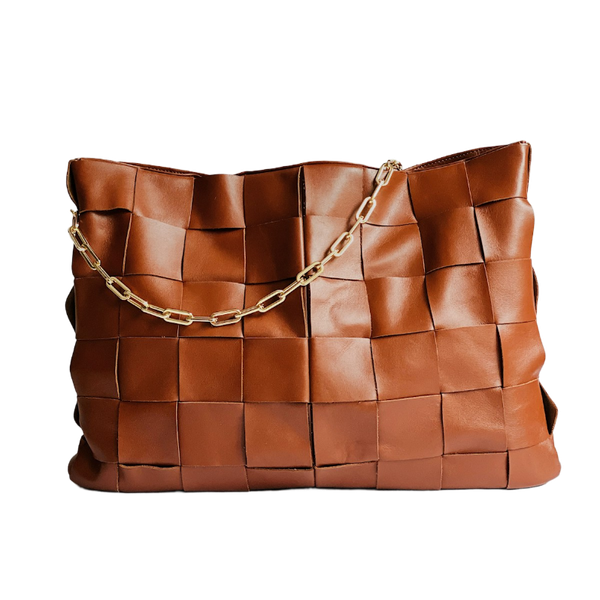


Canva is a broad design platform with templates, layouts and a library of elements, and its background remover is one feature inside it. That is useful if you are building a whole design there. You open an account, create a project and then apply the tool. Both are fine, depending on the job.
This page does just one thing. You drop a photo in, get a cut-out, and download it. There is no account, no editor and no template. You can then take the PNG into Canva or any other program, if you want to continue designing, which makes this a quick first step.
What you do not get here is also worth stating: no templates, no brush, no scenes and no design tools. You get a transparent PNG, a white background or a solid colour. Processing is local, so the picture is not uploaded. The free plan allows 3 images a day at up to 1000 pixels, with no watermark.
Upload the photo on this page.
Download the transparent PNG.
Add it to your Canva design, or any other editor.
The model was trained to separate hair, fur and thin details, not just big shapes. You get a cut-out that looks natural on any new background.
Background removal runs inside your browser. Your photos are not sent to a server, so nothing can leak or be kept.
Download a transparent PNG for design work, or a JPG with a white or colored background for shops, profiles and documents.
The free plan covers everyday use. Plus and Pro remove the daily limit and add full resolution and batches.
$0$0
$4.99$2.99/month
$35.88 billed once a year
$9.99$5.99/month
$71.88 billed once a year
Your key:
Prices include VAT where it applies. Cancel any time.
Yes. A transparent PNG can be uploaded to Canva and placed on any design.
No. It only removes backgrounds. It has no templates or design tools.
No. Free results have no watermark, with a limit of 3 images a day and 1000 pixels.
Yes. You can process 3 images a day for free, without an account and without a watermark. Free downloads are up to 1000 pixels on the long side, which is enough for social media, profiles and most web use.
No. The AI model is downloaded to your browser and the photo is processed on your own device. We never see your images.
The first time, your browser downloads the AI model (about 115 MB) and keeps it. After that it starts almost instantly. On computers and phones with GPU access in the browser, an image takes a few seconds.
JPG, PNG and WebP work everywhere. iPhone HEIC photos open in Safari; in other browsers, export them as JPG first.