Free
$0$0
- 3 images a day
- Download up to 1000 px
- Transparent, white or color background
- No watermark, no sign-up
No eraser, no magic wand, no zooming in on edges. The AI does the erasing in one pass.
Your photo stays on your device: the AI runs in your browser, nothing is uploaded.




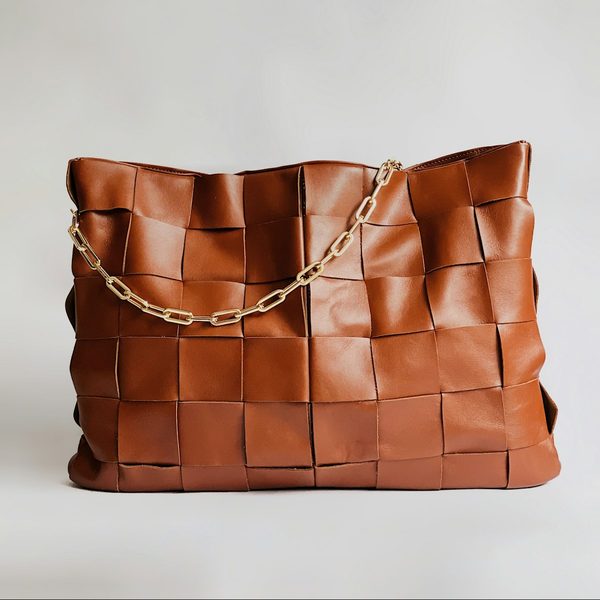
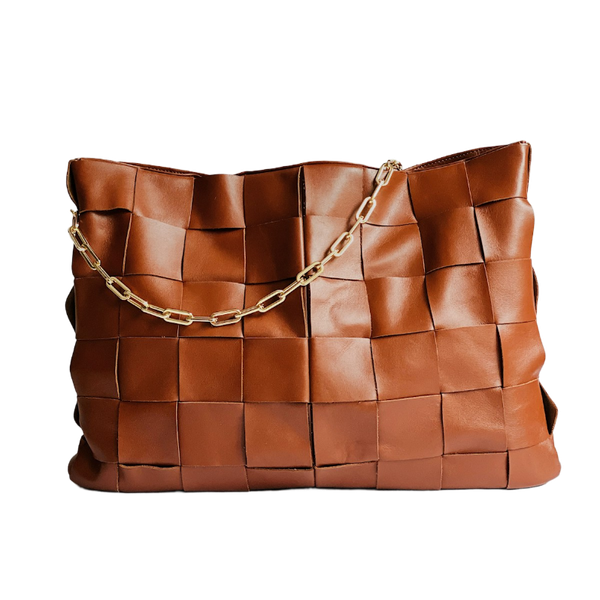


Erasing a background by hand means tracing the outline with a lasso or rubbing out pixels with a soft brush, usually while zoomed in on one corner at a time. A single portrait can take half an hour, and a mistake in the middle means going back and redoing it.
Here the AI does the erasing. It decides which pixels belong to the subject and which to the background, and it leaves soft edges where hair or fur needs them. There is nothing to select or paint, and you are not asked to be careful with the mouse or a finger.
The flip side of that automation is that there is also no brush to fix a small miss afterwards. If the result is not right, try a sharper photo or a backdrop with more contrast. The erased area becomes transparent, so you can save a PNG or fill it with white or a colour. The free plan covers 3 images a day.
Upload the image.
Wait while the background is erased automatically.
Download it, or switch the erased area to white or a colour.
The model was trained to separate hair, fur and thin details, not just big shapes. You get a cut-out that looks natural on any new background.
Background removal runs inside your browser. Your photos are not sent to a server, so nothing can leak or be kept.
Download a transparent PNG for design work, or a JPG with a white or colored background for shops, profiles and documents.
The free plan covers everyday use. Plus and Pro remove the daily limit and add full resolution and batches.
$0$0
$4.99$2.99/month
$35.88 billed once a year
$9.99$5.99/month
$71.88 billed once a year
Your key:
Prices include VAT where it applies. Cancel any time.
No. This tool has no brush. It gives the automatic result, and you can try another photo if it is not right.
Your original file is never changed. You get a new file, so you can always upload the original again.
It keeps the subject and removes everything behind it, then fills the space with transparency, white or a colour.
Yes. You can process 3 images a day for free, without an account and without a watermark. Free downloads are up to 1000 pixels on the long side, which is enough for social media, profiles and most web use.
No. The AI model is downloaded to your browser and the photo is processed on your own device. We never see your images.
The first time, your browser downloads the AI model (about 115 MB) and keeps it. After that it starts almost instantly. On computers and phones with GPU access in the browser, an image takes a few seconds.
JPG, PNG and WebP work everywhere. iPhone HEIC photos open in Safari; in other browsers, export them as JPG first.